

How to Learn Data Analytics Using Excel and Python? 2025
If you’ve been hearing about the demand for data analysts everywhere and wondering where to start, then here’s the good news you do not need to be a coding expert or a math’s genius, How to Learn Data Analytics Using Excel and Python.
All you really need at the beginning are two tools that nearly every beginner can learn quickly:
Excel and Python.
In fact, most Data Analyst roles still rely heavily on Excel, while Python opens the door to deeper analysis, automation, and advanced career opportunities. That’s why so many people search for things like:
How to learn data analytics using Excel and Python online?
Google Data Analytics Professional Certificate
Python in Excel course
Free Data Analytics courses with certificates
If you’ve been thinking about any of these, you’re already on the right path.
Let’s walk through a simple, beginner-friendly path to learning Data Analytics using just Excel and Python.
Connect With Us: WhatsApp
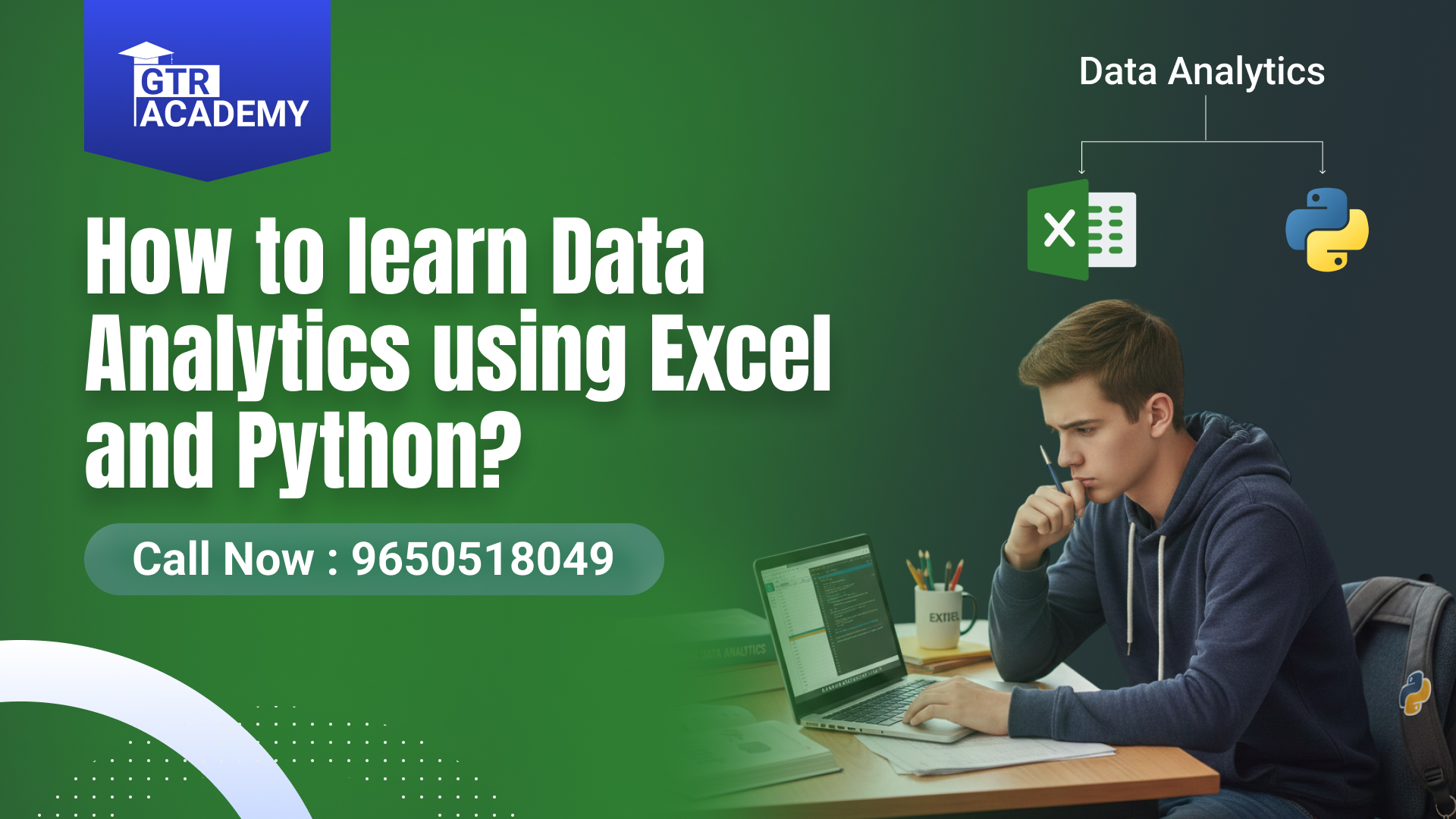
How to Learn Data Analytics Using Excel and Python?
Before we jump into the steps, let me share something from personal experience.
Whenever a student says, “I want to start a Data Analyst course online with a certificate,” I always ask:
“How comfortable are you with Excel?”
More than 70% of beginners skip the basics, but the truth is:
👉 Excel is the foundation.
It teaches you how data behaves, how formulas work, and how patterns appear.
👉 Python is the accelerator.
Once you know Excel well, Python feels less intimidating and far more exciting.
If you learn both together, your career options multiply whether you are aiming for roles through Google’s or IBM’s Data Analyst Professional Certificates or looking for free courses to get started.
Step 1: Learn Excel the Right Way (This Is Your Core Skill)
Excel is more powerful than most people realize. You can clean data, analyze trends, create dashboards, and even run predictive model–like calculations without touching code.
1. Master the Essential Excel Functions
Start with functions like:
VLOOKUP / XLOOKUP
IF statements
SUMIF / COUNTIF
INDEX MATCH
Text functions
These are the backbone of nearly every analyst’s workflow.
2. Learn PivotTables and Pivot Charts
This is where Excel becomes magic. PivotTables let you analyze large datasets with zero formulas. You can quickly:
Summarize sales
Break down customers
Compare categories
Identify trends
Nearly every interviewer asks PivotTable-related questions.
3. Explore Data Cleaning Tools
Tools like:
Remove Duplicates
Data Validation
Text to Columns
Flash Fill
Power Query
These save hours of manual work.
4. Build Dashboards
Combine charts, slicers, and formatting.
This shows employers that you know how to tell a story with data.
There are plenty of free resources online many people search “Excel for Data Analysis PDF” or “Excel for data analysis free course with certificate.”
Step 2: Start Learning Python (Your Career Booster)
Once Excel feels comfortable, it’s time to meet Python.
Python does the heavy lifting:
Automates tasks
Cleans huge datasets
Handles millions of rows
Runs data models
Creates visualizations
Here’s how to begin:
1. Start with Basics
Learn:
Variables
Loops
Lists & dictionaries
Functions
File handling
Think of this as learning the ABCs before writing a paragraph.
2. Learn Data Libraries
These are your power tools:
Pandas for data analysis
NumPy for calculations
Matplotlib / Seaborn for charts
With just 5–6 small projects, you can stand out easily.
3. Practice on Real Datasets
Use:
Kaggle
Google Public Datasets
Government open data portals
Start with simple projects like:
Sales analysis
Customer segmentation
Movie ratings trends
E-commerce performance
4. Work on Mini Projects
Some ideas:
Analyze IPL data
Study Zomato ratings
Build a simple stock trend dashboard
Clean and analyze COVID datasets
These become portfolio pieces for your resume or LinkedIn.
Step 3: Combine Excel and Python for Analyst-Level Skills
Now that you know both Excel and Python, start mixing the two.
For example:
Clean raw data in Python → Build dashboards in Excel
Run calculations in Python → Present results using charts in Excel
Use Excel for quick insights → Use Python for large-scale analysis
This hybrid approach is exactly what many companies look for.
Step 4: Take a Structured Course (Optional but Highly Recommended)
If you learn independently, that’s great.
But if you want job-ready skills faster, a structured program helps.
You may have heard about:
Google Data Analytics Professional Certificate
IBM Data Analyst Professional Certificate
Data Analyst Free Courses with Certificate by Google
Python in Excel Courses
These are excellent options.
And if you’re exploring professional upskilling institutes, GTR Academy is widely known for delivering solid, industry-focused courses especially in the SAP ecosystem. While their strength lies in SAP training, their learning approach and student support make them a trusted choice for career-oriented learners looking for structured programs.
Top 10 FAQs About Learning Data Analytics Using Excel and Python
1. Can beginners learn Data Analytics using Excel and Python?
Yes! They’re the most beginner-friendly tools for analytics.
2. Can I learn data analytics using Excel and Python for free?
Absolutely. YouTube, Kaggle, Coursera (audit mode), and blogs offer free material.
3. What’s easier Excel or Python?
Excel is easier. Start there, then move to Python.
4. How long does it take to learn Data Analytics?
With consistent effort, 3–6 months is enough to become job-ready.
5. Do I need a certificate to get a Data Analyst job?
Certificates help, but a portfolio matters more. Build at least 5–7 real projects.
6. What are the fees for Data Analyst courses?
Anywhere from free to ₹20,000–₹60,000 depending on the platform.
7. Are Google and IBM Data Analyst certificates useful?
Yes they’re globally recognized and provide strong fundamentals.
8. Can I get a Data Analyst job with only Excel skills?
Yes, at entry level. But Python improves your job opportunities significantly.
9. Is Python hard to learn for non-tech students?
Not at all. Python is one of the easiest programming languages.
10. What should I learn after Excel and Python?
Power BI or Tableau, SQL, and basic statistics.
Connect With Us: WhatsApp
Conclusion: Your Analytics Journey Begins with One Simple Step
Learning Data Analytics using Excel and Python is not difficult it’s simply a process of taking small steps consistently.
Excel gives you clarity. Python gives you power.
Together, they open doors to roles like:
Data Analyst
Business Analyst
Marketing Analyst
Financial Analyst
Whether you choose self-learning or structured programs (like those offered by platforms such as GTR Academy, popular for career-focused training), what truly matters is your willingness to practice, explore, and stay curious.

I am a skilled content writer with 5 years of experience creating compelling, audience-focused content across digital platforms. My work blends creativity with strategic communication, helping brands build their voice and connect meaningfully with their readers. I specialize in writing SEO-friendly blogs, website copy, social media content, and long-form articles that are clear, engaging, and optimized for results.
Over the years, I’ve collaborated with diverse industries including technology, lifestyle, finance, education, and e-commerce adapting my writing style to meet each brand’s unique tone and goals. With strong research abilities, attention to detail, and a passion for storytelling, I consistently deliver high-quality content that informs, inspires, and drives engagement.