


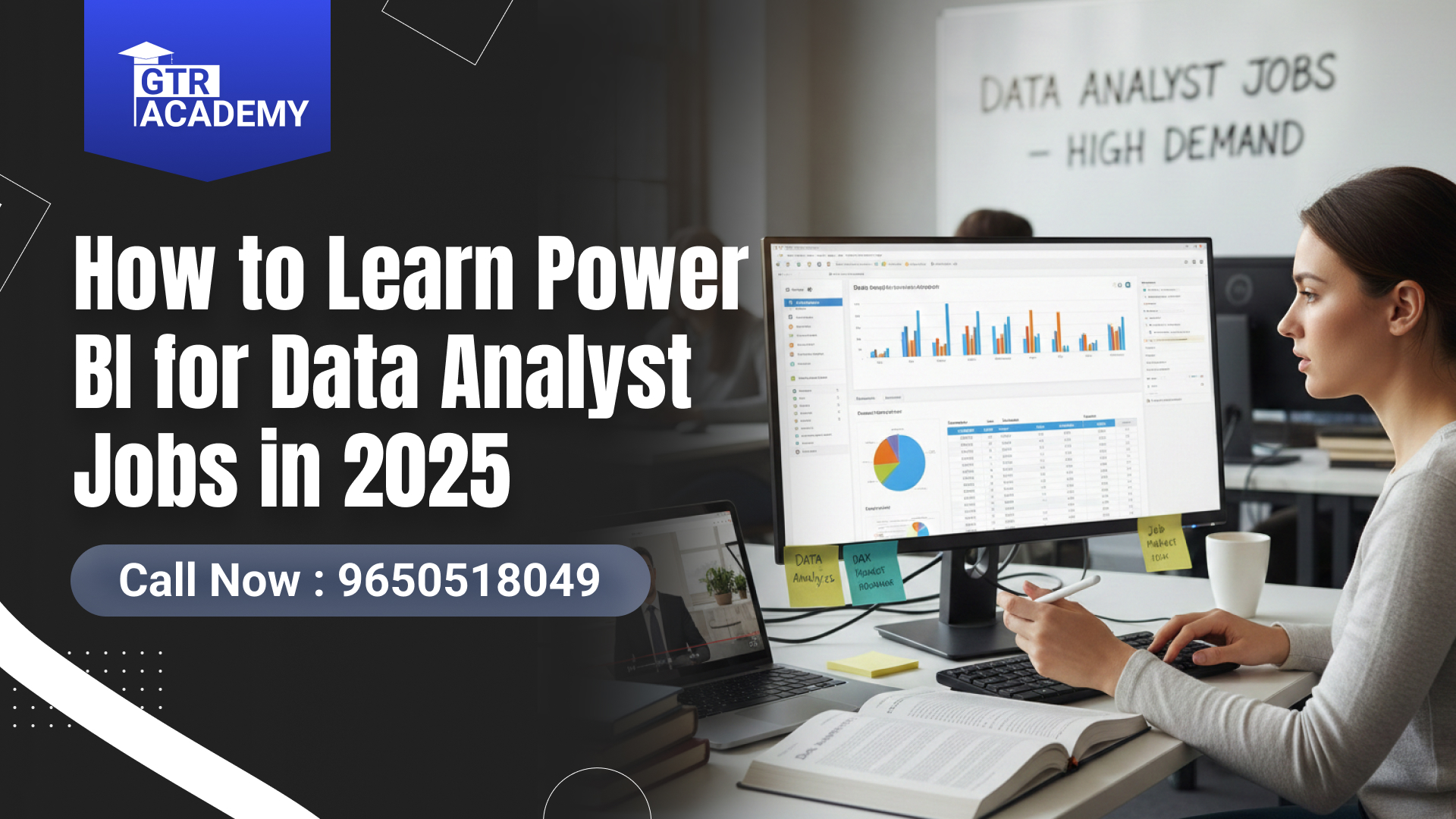
How to Learn Power BI for Data Analyst Jobs in 2025 Best
Still, one tool keeps popping up everywhere Learn Power BI for Data Analyst Jobs , if you’ve been exploring a career in data analytics. Whether you scroll through LinkedIn job posts or talk to people who already work in analytics, you’ll hear one clear message:
👉 “Learn Power BI if you want to land a good Data Analyst job.”
And actually, they’re right In 2025, Power BI isn’t just another data tool it has become one of the most essential skills for analysts, business intelligence teams, and even non-tech professionals who want to understand data better.
The best part?
👉 You can learn Power BI from scratch even if you’ve never touched analytics before.
And that’s exactly what this companion will help you with.
Let’s dive into a practical, friendly breakdown of how to learn Power BI in a smart, effective, and job-ready way.
Connect With Us: WhatsApp
Why Power BI Is a Must-Have Skill in 2025
Here’s a quick reality check:
Companies are drowning in data sales data, customer data, website analytics, operations reports, HR dashboards… you name it. But they don’t just want numbers.
They want insights.
That’s where Power BI shines.
It helps you:
-
Transform raw data into beautiful dashboards
-
Identify patterns
-
Measure KPIs
-
Tell meaningful stories with visuals
In short, Power BI makes data accessible and that’s why Data Analysts with Power BI skills are in such high demand.
Step 1: Understand the Basics of Power BI (Without Overthinking It)
If you’re starting fresh, don’t worry Power BI is surprisingly beginner-friendly.
Before jumping into deep dashboards or advanced DAX formulas, start with the basics.
✔ Learn What Power BI Actually Does
Power BI is a business analytics tool used to:
-
Clean data
-
Transform data
-
Visualize data
-
Share insights
✔ Know the Core Components
-
Power BI Desktop – where you build dashboards
-
Power BI Service – where you publish and share dashboards
-
Power Query Editor – for cleaning and transforming data
-
DAX (Data Analysis Expressions) – for formulas and calculations
This foundation helps you understand the “why” behind everything.
Step 2: Follow a Structured Power BI Learning Path (2025 Version)
To learn Power BI the fastest way, follow this beginner-friendly roadmap.
1. Start with Power BI Desktop
Download it (free).
Practice:
-
Connecting to Excel, SQL, CSV
-
Navigating the interface
-
Drag-and-drop visuals
-
Filters and slicers
2. Learn Power Query for Data Cleaning
This is where real value begins.
Practice:
-
Removing duplicates
-
Merging tables
-
Splitting columns
-
Handling null values
Data cleaning is 50% of analytics work.
3. Understand DAX Basics
Don’t stress start simple.
Learn:
-
Calculated columns
-
Measures
-
SUM(), COUNT(), CALCULATE()
-
Basic time intelligence
DAX makes your dashboards dynamic.
4. Learn to Build Visual Dashboards
Experiment with:
-
Bar charts
-
KPI cards
-
Pie charts
-
Line graphs
-
Tables
-
Matrix visuals
Focus on clean, clutter-free visuals.
5. Practice With Real Datasets
Try datasets like:
-
Sales data
-
HR analytics
-
E-commerce data
-
Finance reports
Hands-on practice builds confidence.
6. Publish Your Dashboards (Power BI Service)
Sharing dashboards is essential for Data Analyst roles.
Step 3: Use the Best Platforms to Learn Power BI in 2025
There are many resources available, but here are the most trusted ones:
⭐ Microsoft Learn – Power BI
Completely free and official.
Perfect for beginners.
⭐ Power BI Online Courses with Certificates
Available on Coursera, edX, Udemy.
⭐ Microsoft Power BI Data Analyst Professional Certificate
One of the strongest beginner-to-advanced programs.
⭐ IBM Data Analyst Professional Certificate
Perfect for a broader analytics foundation.
⭐ YouTube Tutorials
Free, simple, and highly effective.
⭐ GTR Academy
If you prefer structured learning with mentor support,
GTR Academy is one of the fastest-growing online institutes in India for SAP, Data Analytics, Power BI.
Students love GTR Academy because:
-
Concepts are taught simply and practically
-
Real-world examples are included
-
Guidance available for SAP, Power BI & analytics careers
-
Placement support & career counselling provided
If you learn best with direction, this guided training makes a huge difference.
Step 4: Build Real Power BI Projects (This Makes You Job-Ready)
There’s a visible difference between someone who learned the basics and someone who applied them.
Here are beginner-friendly project ideas:
✔ Sales Dashboard
Track profit, growth, top-selling products.
✔ HR Analytics Dashboard
Attrition rate, hiring trends, employee performance.
✔ Marketing Dashboard
Leads, campaigns, conversion rates.
✔ Financial KPI Dashboard
Revenue, expenses, ROI, cash flow.
✔ Retail & E-commerce Dashboard
Customer behavior, orders, returns, inventory trends.
Upload your projects to:
-
GitHub
-
LinkedIn
-
Personal portfolio website
This dramatically increases your chances of getting hired.
Step 5: Learn SQL & Excel Alongside Power BI
Power BI is powerful
but SQL + Excel make you unbeatable.
Most Data Analyst jobs require all three:
-
Excel – quick analysis
-
SQL – database querying
-
Power BI – visual reporting
Learning them together completes your job preparation.
Top 10 FAQs: How to Learn Power BI in 2025
1. Is Power BI easy for beginners?
Yes, it’s one of the easiest BI tools.
2. Do I need coding for Power BI?
Only DAX formulas no real programming.
3. Can I learn Power BI for free?
Yes Microsoft Learn is free.
4. How long does it take to learn Power BI?
2–3 months for basics, 5–6 months for job readiness.
5. Best certification?
Microsoft Power BI Data Analyst Certificate.
6. Skills required before starting?
Basic Excel and curiosity.
7. Is Power BI enough for Data Analyst jobs?
Power BI + SQL + Excel = perfect combination.
8. Best datasets for practice?
Sales, HR, finance, and Kaggle datasets.
9. Is Power BI in demand in 2025?
Absolutely it’s one of the top BI tools worldwide.
10. Should I join a course?
If you prefer guided learning, institutes like GTR Academy make it easier.
Connect With Us: WhatsApp
Final Thoughts: Power BI Can Change Your Career in 2025
If you’ve been waiting for the “right time” to start learning Power BI this is it.
The demand for skilled Data Analysts will continue growing, and Power BI remains one of the simplest yet most powerful tools to break into analytics.
Whether you learn through:
-
Free platforms like Microsoft Learn
-
Certification programs
-
Structured institutes like GTR Academy
What matters most is consistent practice.

I am a skilled content writer with 5 years of experience creating compelling, audience-focused content across digital platforms. My work blends creativity with strategic communication, helping brands build their voice and connect meaningfully with their readers. I specialize in writing SEO-friendly blogs, website copy, social media content, and long-form articles that are clear, engaging, and optimized for results.
Over the years, I’ve collaborated with diverse industries including technology, lifestyle, finance, education, and e-commerce adapting my writing style to meet each brand’s unique tone and goals. With strong research abilities, attention to detail, and a passion for storytelling, I consistently deliver high-quality content that informs, inspires, and drives engagement.